Ask any Secondary 3 student in Singapore how much of the week is genuinely free for revision, and the answer is usually “not much.” Between school, CCA, tuition, homework, and the daily MRT or bus commute, focused desk time can be surprisingly scarce.
That is why voice-enabled learning is worth paying attention to. Instead of demanding another hour at the study table, audio tools can fit into time students already have: 20 minutes on the East-West Line, the walk from the bus stop, or the gap between tuition and dinner.
This also fits with the direction Singapore’s education system is taking. The Ministry of Education’s Educational Technology Masterplan 2030 sets out how technology can support teaching and learning while helping students develop digital competencies.
From what I have seen working with students and families, the useful question is not whether technology is “better” than traditional revision. It is whether a tool helps a student revise more consistently, understand a difficult concept, or make better use of limited time. Voice tools can do that when they are used thoughtfully.
Here are eight practical ways voice-enabled learning can support Singapore students, along with a few important limits parents and tutors should keep in mind.
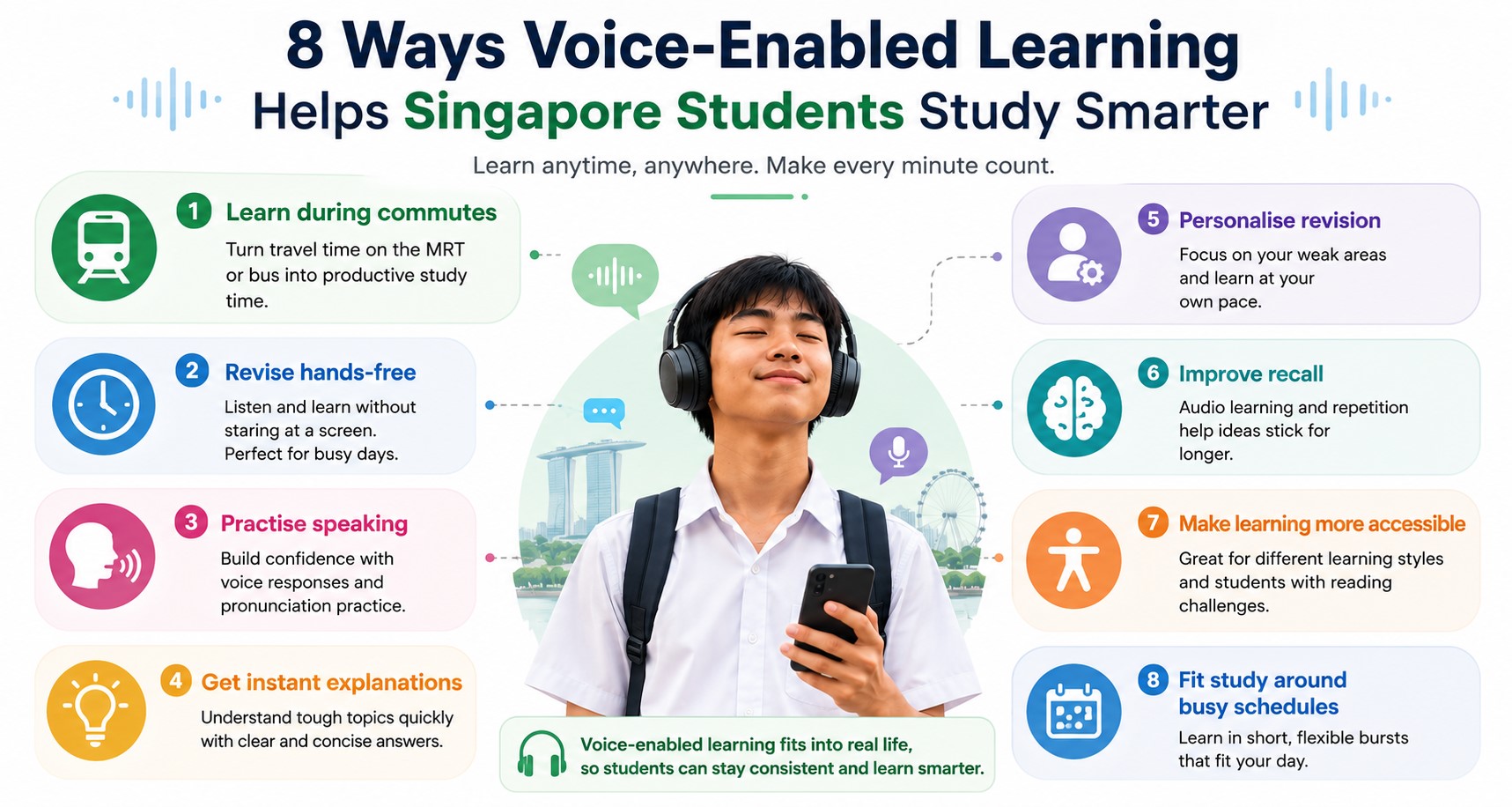
8 Ways Voice-Enabled Learning Is Helping Students Study Smarter
1. Listening Can Reinforce What Reading Misses
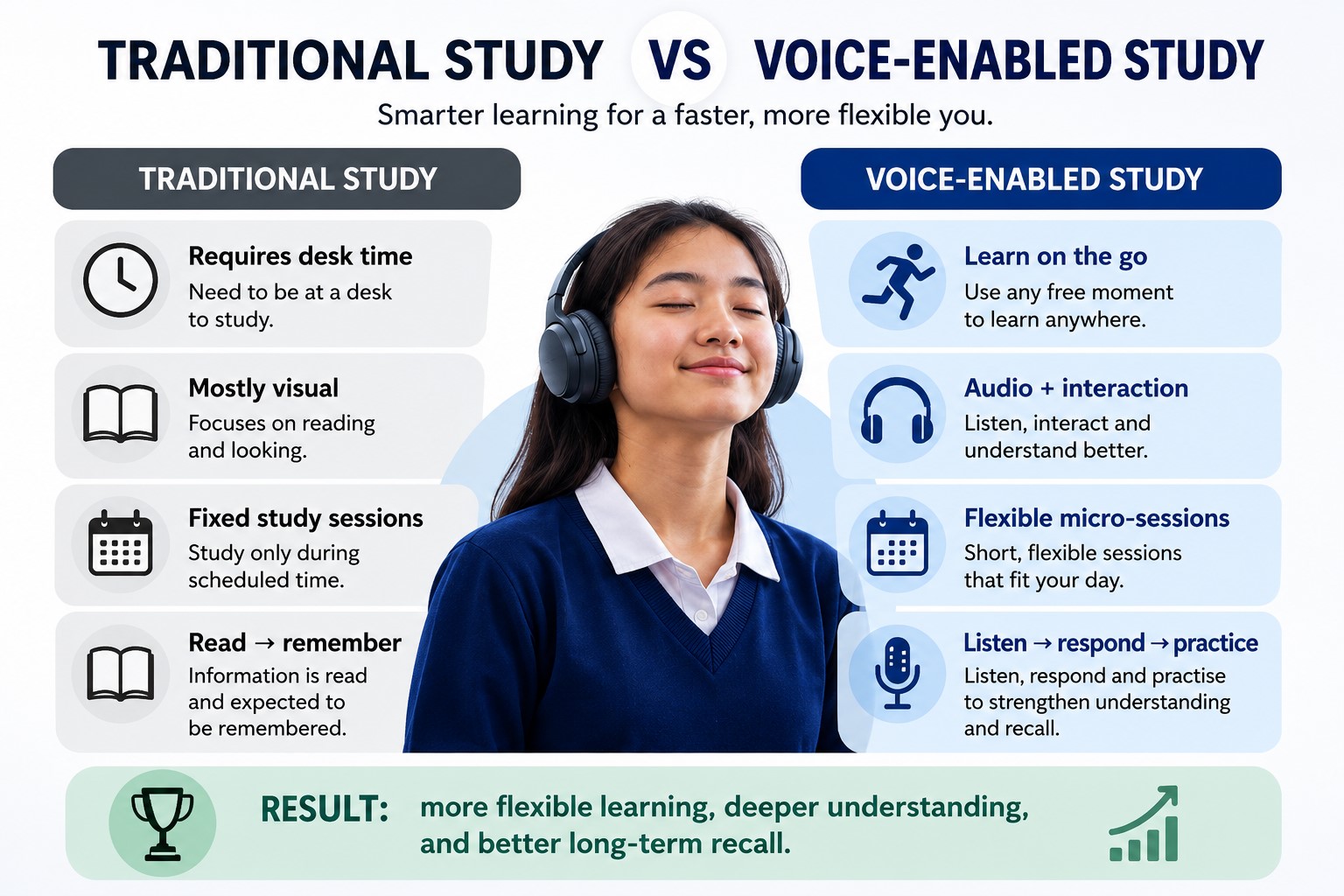
Reading remains essential, but listening can add another layer of revision. A student might read a Geography case study first, then listen to a short audio summary later in the day. The second encounter gives the student another opportunity to retrieve and organize the same ideas.
Research summarized by the Chartered College of Teaching discusses evidence that combining linguistic information with visual processing can improve retention compared with relying on one mode alone. Importantly, this does not mean every child belongs to a fixed “visual” or “auditory” learning style.
For students, the practical takeaway is simple: audio can be used as an extra form of repetition, not as a replacement for reading, active recall, written practice, or practice papers. It can be especially convenient for content-heavy topics such as Chemistry definitions, History examples, or Geography case studies.
2. Students Can Revise Without Being Glued to a Screen
Voice-enabled tools let students review material while commuting, walking, exercising, or doing simple chores. For a Singapore student who spends a significant amount of time on public transport, even two or three short audio revision sessions a week can make revision feel easier to fit into a busy schedule.
The key is to keep these sessions realistic. I would not expect a student to learn an entirely new Mathematics topic while standing on a crowded train. But listening to a five-minute recap of Social Studies concepts or revisiting vocabulary before an oral practice session can be a useful way to reinforce material already studied.
This kind of micro-revision also leaves proper desk time available for tasks that genuinely require concentration, such as solving problems, writing essays, or completing timed papers.
3. Pronunciation and Oral Skills Can Improve With Practice
Voice tools are particularly relevant for language learning because students can hear pronunciation, pacing, and sentence rhythm rather than seeing words only on a page.
This connects directly with Singapore’s examination system. The Singapore Examinations and Assessment Board (SEAB) publishes the current PSLE examination formats, including English Language and Mother Tongue oral components. Students preparing for oral examinations can use recorded prompts or text-to-speech tools for additional practice at home.
However, listening alone is not enough. Students should still practise speaking aloud, organizing responses, and having real conversations with a parent, teacher, or tutor. A voice tool can provide repetition; feedback from a person is still valuable when a student needs help with clarity, confidence, or the quality of an answer.
4. AI Voices Make Custom Study Material Possible
A modern voice generator can turn typed notes, essays, or study guides into audio. A student could convert a short set of revision notes into a recording and listen to it during a commute or between classes.
The biggest advantage is personalization. Instead of relying only on whatever audiobook or podcast happens to exist, students can create audio from the exact notes they are already using for an upcoming test.
Still, students should check the source material before converting it. If the notes contain an error, the audio will simply repeat that error more confidently. For school subjects, the quality of the content matters more than how natural the generated voice sounds.
5. Voice Tools Can Complement Structured Tutoring
Voice tools can also work well alongside structured tuition. After a lesson, a student might record a short voice memo explaining how to solve a problem in their own words, then replay it later to see whether the steps still make sense.
Where a student wants to record a tutor’s explanation, permission should always come first. Recordings should remain for personal study unless the tutor or teacher has clearly agreed to wider sharing. Schools and tuition providers may also have their own recording policies.
A tutor can help decide what is actually worth recording. Rather than saving an entire hour-long lesson, it may be more useful to create a two-minute explanation of one recurring mistake or a short checklist for a difficult question type.
For families considering one-to-one support, SmileTutor’s home tuition guide explains how personalized tuition can be matched to a student’s needs and schedule.
6. Voice Tools Can Improve Accessibility for Some Learners
Voice technology can also make digital material easier to access for some students, although the benefit varies from person to person.
| Student need | How voice tools may help |
| Dyslexia | Text-to-speech can provide another way to access written material. |
| Visual impairment | Screen readers and audio content can support access to digital information. |
| Attention difficulties | Short audio segments may be easier for some students to fit into focused revision. |
| Language learners | Listening provides additional exposure to pronunciation and spoken language. |
The British Dyslexia Association notes that assistive technologies such as text-to-speech software, screen readers, and dictation tools can help some dyslexic people access digital content.
These tools should be treated as options rather than guarantees. What helps one student may distract another, so parents and tutors should pay attention to the student’s actual experience and seek specialist guidance where appropriate.
7. Voice Tools Can Support Blended Learning
Blended learning combines different ways of learning rather than relying on one format. Voice content can play a useful supporting role because it gives students another way to revisit material outside a face-to-face lesson.
For example, a tutor might teach a concept during a lesson, send a short audio recap for revision, and then ask the student to complete written questions independently. The audio is not the lesson itself; it is one part of a wider learning cycle.
SmileTutor has a useful overview of blended learning and how online and offline approaches can work together.
8. Transcription Turns Recordings Into Searchable Notes
The process can work in reverse too. Audio-to-text tools let students turn their own voice memos or permitted recordings into written notes that can be searched later.
- Transcribe a permitted recording for review.
- Search a transcript for key terms before an exam.
- Highlight important passages for a quick revision sheet.
- Turn a spoken brainstorm into a rough outline before writing.
For students who want to experiment with this workflow, SmileTutor also has a guide on how to convert audio to text online.
The useful part is the flexibility between formats. A student can speak an idea, turn it into text, edit the notes, and later convert the final version back into audio for revision.
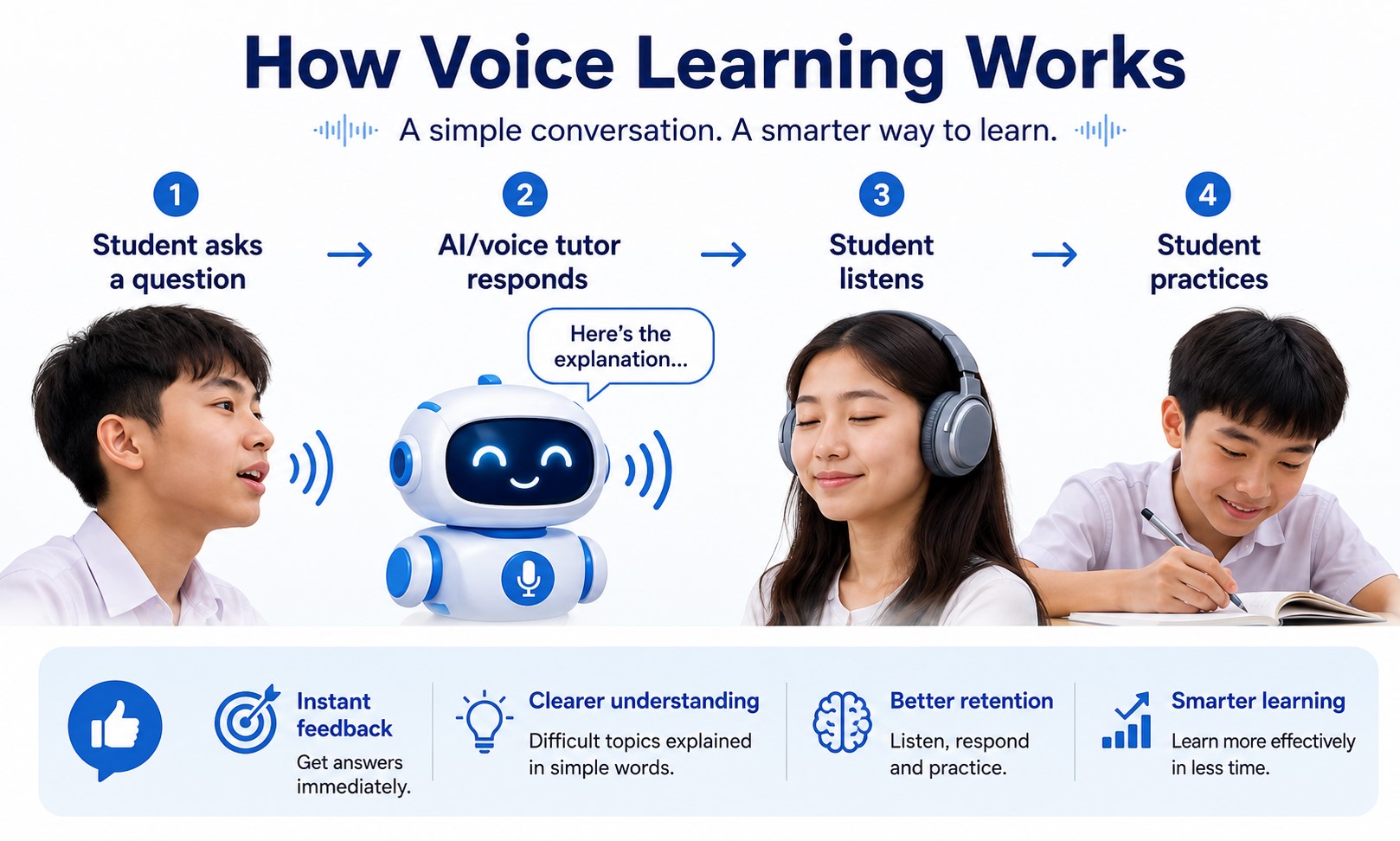
How to Use Voice-Enabled Learning Without Overcomplicating Revision
The easiest mistake is downloading too many tools at once. Students do not need a complicated AI study system to benefit from voice learning. Start with one subject and one clear purpose.
- Use audio for revision of material that has already been taught.
- Keep recordings short enough that students will realistically replay them.
- Pair listening with active tasks such as speaking, writing, self-testing, or practice questions.
- Check AI-generated or transcribed content against reliable notes and school materials.
- Ask permission before recording another person.
- Stop using a tool if it adds more distraction than value.
Parents can also ask a simple question after a few weeks: is this helping my child understand or remember the material, or is it merely another app on the phone? The answer matters more than how impressive the technology sounds.
Voice Learning Works Best as a Support Tool
Voice-enabled learning is not a distant concept. Singapore students can already use audio to revise during commutes, practise oral skills, replay difficult explanations, create custom audio notes, and turn their own recordings into searchable text.
What I like about these tools is that they can fit around a student’s existing routine instead of demanding an entirely new one. But they work best when they support good study habits rather than replace them.
A student still needs to think, practise, ask questions, make mistakes, and correct those mistakes. Technology can make parts of that process more convenient, but it cannot do the learning on the student’s behalf.
If your child needs more personalized academic support alongside digital tools, you can find a tutor through SmileTutor for one-to-one guidance suited to your child’s learning needs.

 Facebook