
Imagine your teenager opening a drama on the MRT ride home. An episode ends just as a secret is about to come out. The next one is only a minute long. By the time your child reaches home, there is still one more twist to resolve.
Short drama apps can make a small pocket of free time feel like enough time to start a series. For Singapore families fitting homework around co-curricular activities (CCAs) and tuition, the useful question is where that viewing fits into the day. Parents can help by checking the content, understanding the costs, and agreeing on a stopping point before viewing begins.
What short drama apps actually offer
Short drama apps deliver scripted stories in brief, connected episodes, sometimes as short as 60 seconds. These stories are also called microdramas. Many use a portrait format designed for phones, which explains another common term: vertical dramas. Unlike a standalone comedy clip, each episode moves an ongoing plot forward.
Your teen may encounter a story through a social media clip before finding the full series in a dedicated app. Ask where they actually watch. A limit on one microdrama app will have little effect if most viewing happens elsewhere. Understanding how your teen finds and follows these stories is a useful starting point for building responsible digital habits.
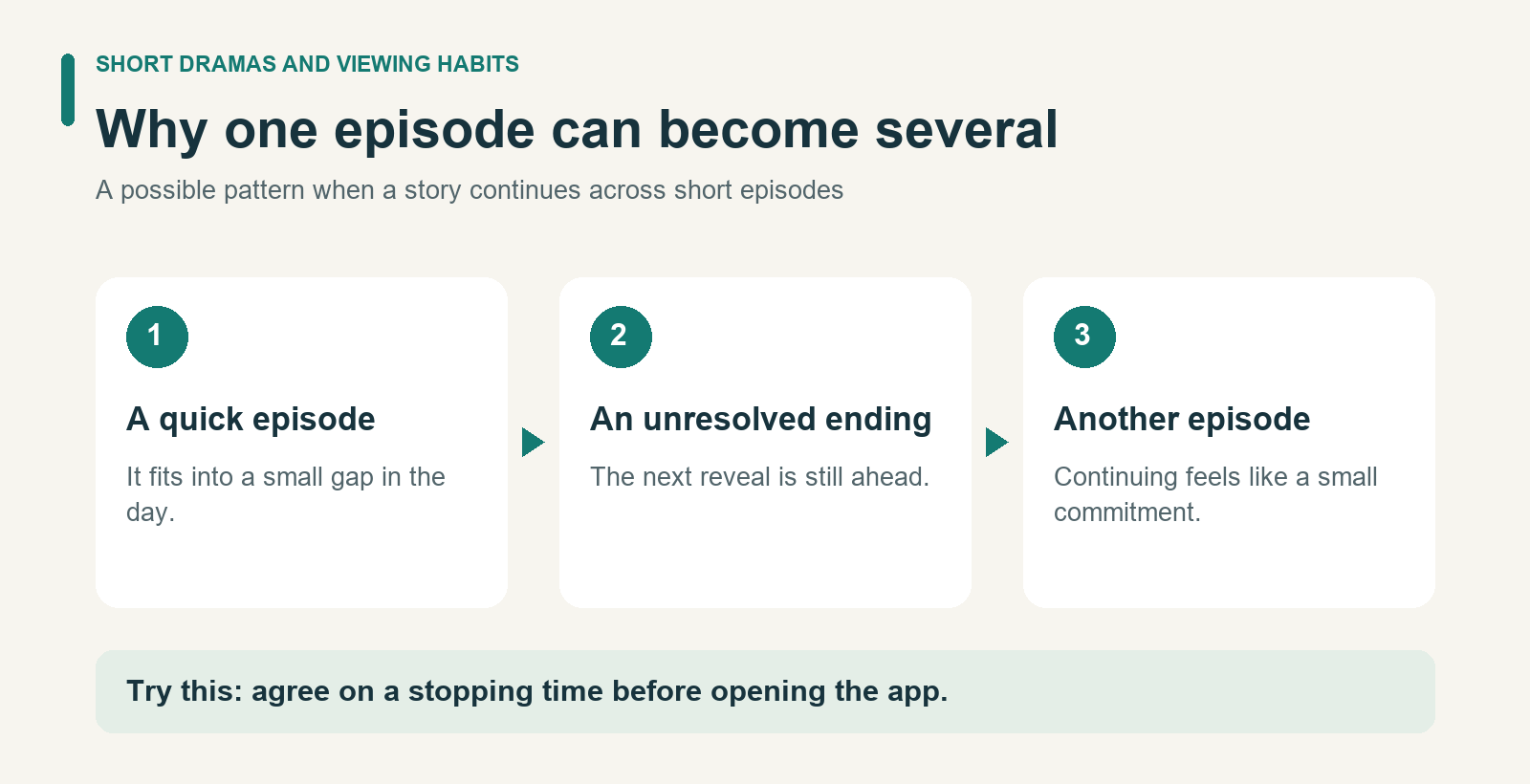
Why a short episode can become a long break
An unresolved argument or unexpected reveal gives viewers a reason to continue. A short runtime makes the next episode seem like a small commitment. Where autoplay is available, continuing may require no decision at all.
Think about a five-minute homework break. A walk to refill a water bottle has a clear endpoint. A story that keeps introducing new questions may be harder to leave halfway through. Ten one-minute episodes still take ten minutes, before any ads or browsing.
There is room for enjoyable entertainment in a student’s week. The practical challenge is choosing a stopping point that does not depend on the story feeling finished.
Check the content and the cost
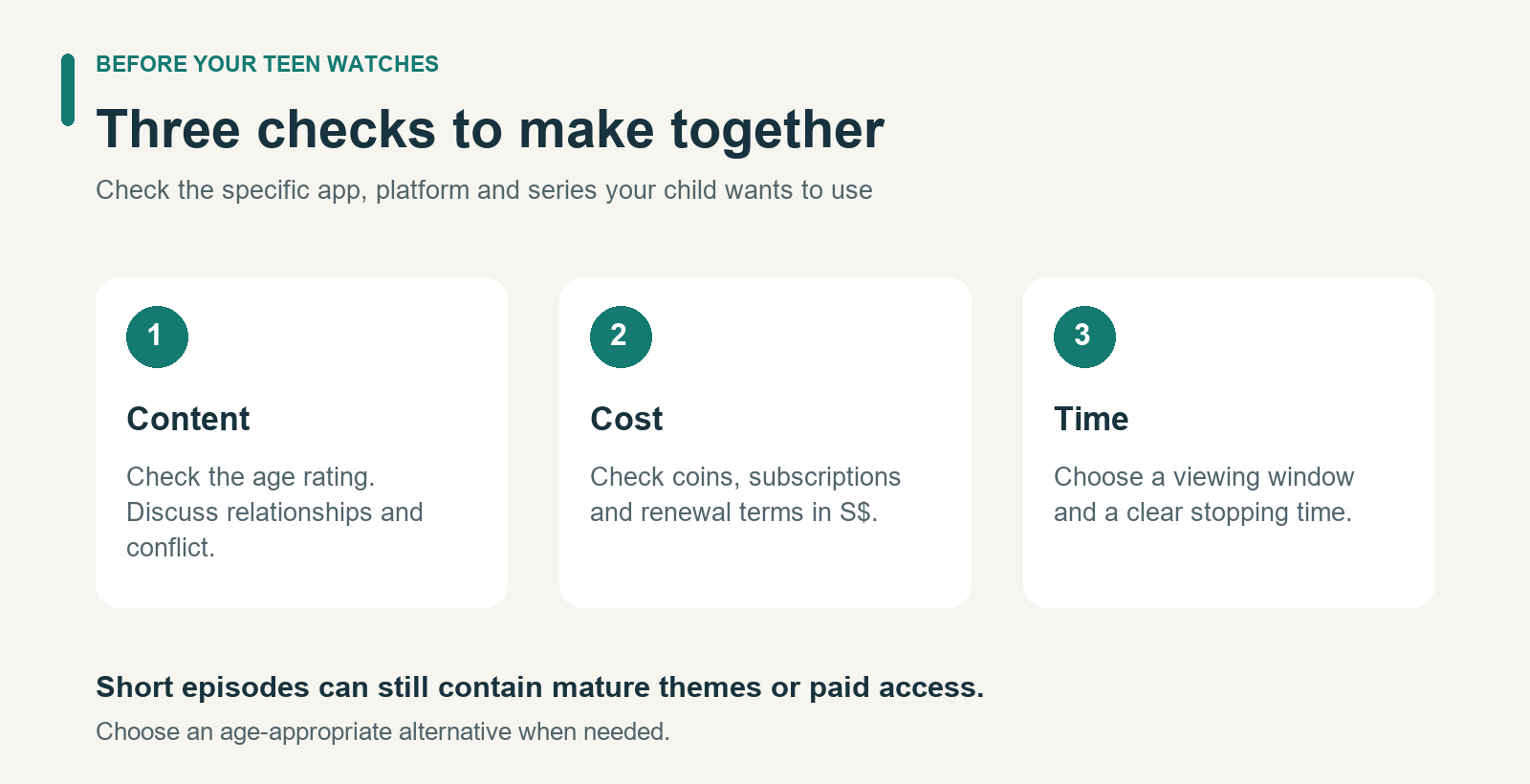
Start with the app’s current age rating and content descriptors in your local app store. A short episode can still include mature themes. Check the platform your child uses, and choose an age-appropriate alternative when necessary.
Watch a sample together if the service is suitable for your teen. Discuss how the story presents relationships, conflict, and consent. If a character’s controlling behavior is portrayed as romantic, ask, “Would that feel caring in real life?” Let your teen explain their interpretation before adding yours.
Then look at how access is sold. Depending on the service, later episodes may require coins, a subscription, or watching ads. Check renewal terms and translate virtual currency into Singapore dollars before agreeing to spending. Australia’s eSafety guidance on in-app purchasing explains why saved payment details and account settings deserve attention.
Set purchase approval requirements where available, and agree that a cliffhanger is a reason to pause before paying. Make it easy for your teen to ask about an unexpected charge so you can resolve it together.
Build a viewing plan around the school week
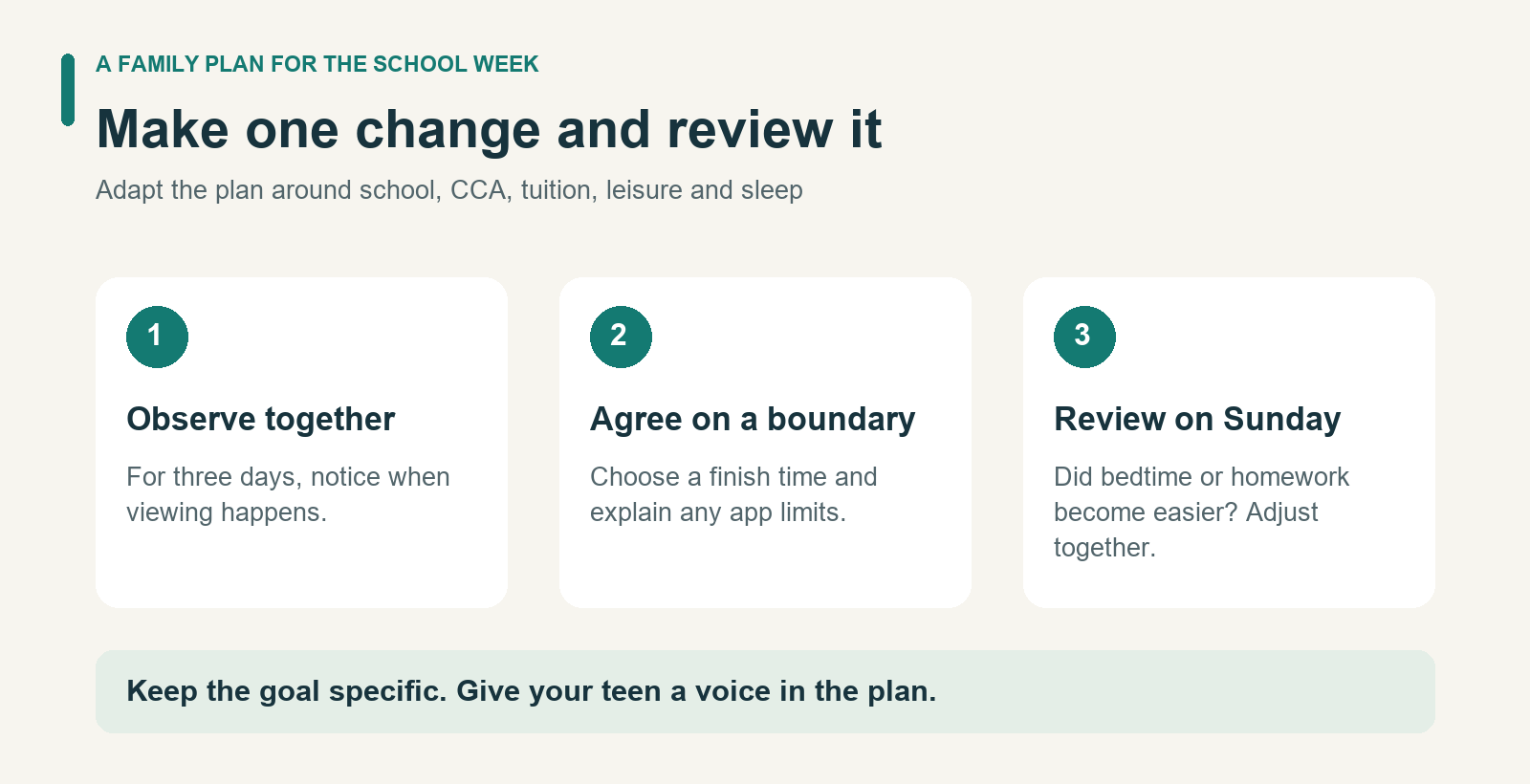
Begin with curiosity: “What do you like about this series? When is it hardest to stop?” For three days, look at device usage with your teen. Separate schoolwork from entertainment. A social app’s total time may include messaging classmates, so it cannot tell you exactly how many minutes were spent on dramas.
Next, try a small agreement for one school week:
- Choose a viewing window. Fit it around school, CCA, tuition, meals, and rest. Leave some downtime that your teen can choose how to spend.
- Set a clock-based finish. For example, agree to close the app at 8:00 p.m., even if the plot is unresolved. Adapt this example to your family’s bedtime and schedule.
- Make stopping easier. Turn off autoplay and promotional notifications where possible. Save the episode number so returning later feels straightforward.
- Protect focused work. Agree on device boundaries before homework begins. A study environment with fewer distractions can make those boundaries easier to follow.
A useful study routine includes breaks. Try stretching, getting a snack, or chatting with someone at home between work sessions, with drama viewing in its own leisure window. If every free moment is already filled with revision or tuition, review the schedule together so there is a realistic place for relaxation.
When digital safety tools can help
A viewing plan may be clear when you discuss it over dinner and harder to follow when an episode ends on a cliffhanger. If stopping repeatedly becomes a negotiation, digital safety tools can help turn the agreement into a routine that is easier to maintain.
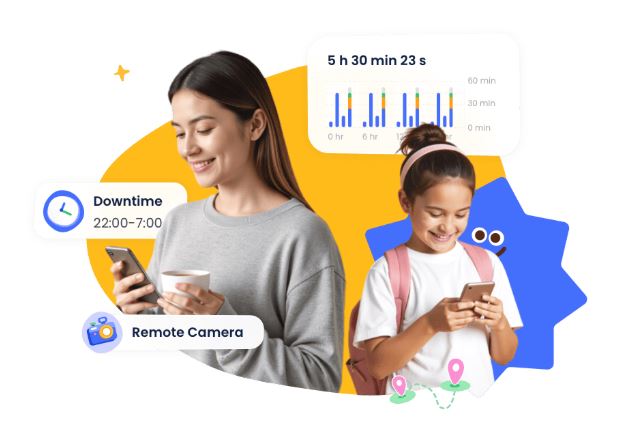
AirDroid Parental Control brings app usage reports, daily app limits, and scheduled downtime into one place. Its reports give parents and teens a shared record of daily and weekly app use. A teenager may remember watching for “just a few minutes” each time; reviewing the day’s total together can show how those short sessions add up. That gives the family something concrete to discuss when choosing a realistic allowance.
Daily limits and downtime address different parts of the problem. An app limit caps the overall time available for a selected app. Scheduled downtime restricts access during particular periods, such as homework or bedtime. This distinction matters: a teen could stay within a daily allowance while still interrupting revision with several short viewing sessions.
For example, a family might agree on a daily allowance for a drama app and use AirDroid to restrict that app during homework and overnight. Parents can manage these settings from their own device and adjust them when tuition or CCA schedules change. Check the setup together so the learning tools and communication your teen needs remain accessible.
After a week, use the reports alongside your teen’s feedback to review the plan. Has viewing become easier to stop? Is homework starting on time? If the routine is working, acknowledge that progress and discuss where more independence makes sense. This gives app limits a purpose your teen can understand and a clear point for review.
Notice when viewing is getting in the way
If you are worried about “short drama addiction,” describe the changes you can actually see: repeated late nights, unfinished schoolwork, missed activities, or difficulty cutting back despite wanting to. One long viewing session alone does not establish an addiction.
Ask what is happening before your teen opens the app. If a difficult assignment keeps getting postponed, they may need help getting started as well as a limit on viewing. A conversation with their teacher or tutor can help identify where the work feels overwhelming.
HealthHub’s guidance on problematic internet use highlights disruption to daily life and recommends seeking support when concerns persist. It is general guidance, rather than a diagnostic test for microdrama viewing. If sleep, school, or relationships remain affected, speak with a school counselor or healthcare professional.
Final Thoughts: Helping Teens Build Healthier Screen Habits
Tonight, ask your teen to show you how their chosen app works. Check the age rating, find out what happens when free access ends, and agree on when to stop. That gives your family a practical starting point for the next school day.

 Facebook
