
A few years ago, swapping someone’s face into a video usually meant either learning complicated editing software or accepting a result that looked obviously fake.
In 2026, that has changed dramatically. AI video tools can now track facial movement, lighting and expressions well enough to produce surprisingly convincing results. What used to require considerable editing experience can sometimes be done by uploading a video, choosing a replacement face and letting the AI process it.
For students, this technology is particularly interesting. Imagine creating a short history project in which you appear in a historical setting, experimenting with character transformations for a media assignment, or producing a creative video without needing advanced editing skills.
But there is another side to the technology. The same realism that makes AI face swapping entertaining also makes it possible to create convincing videos of people doing or saying things they never actually did.
That is why I think students should learn about these tools from both sides of the screen: how they can be used creatively, and how to recognise when similar technology is being used to deceive them.
1. Pollo AI
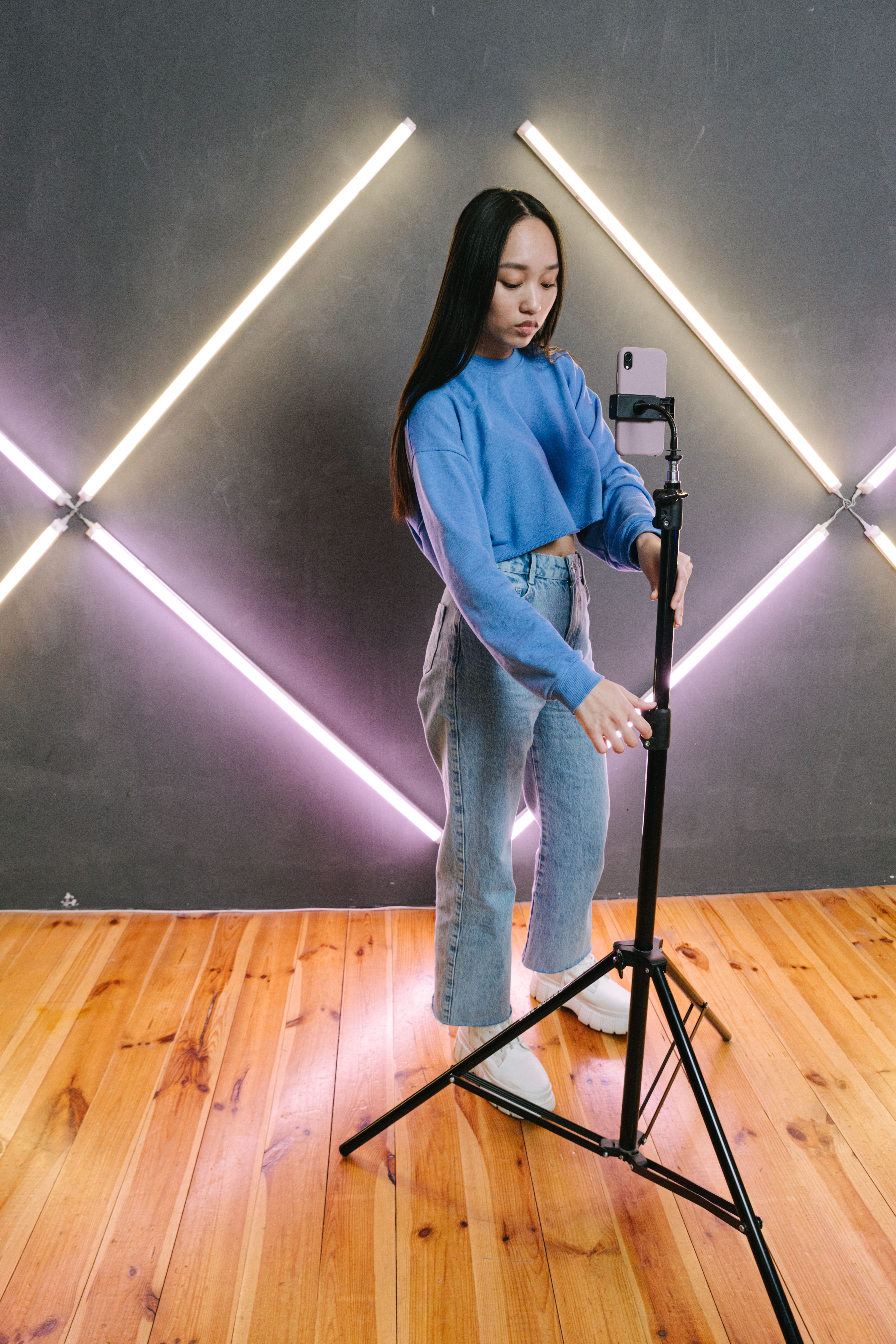
Pollo AI is an AI content creation platform offering video generation, image generation and editing tools alongside its face-swapping feature. The submitted article positions it as an all-in-one creative platform rather than simply a standalone face swapper.
The attraction is convenience. You don’t necessarily need to understand masks, keyframes or traditional compositing techniques before experimenting with a face swap. For a student exploring digital storytelling, that lowers the technical barrier considerably.
Its AI video face swap tool allows users to replace faces in movies, anime clips, GIFs, social videos, and many other video formats directly online without installing software.
Pollo AI also combines face swapping with a wider collection of AI video tools, so someone interested in experimenting beyond a single effect has room to explore. Actual results can vary depending on the source footage, lighting, camera angle, movement and quality of the replacement image.
My tip: Start with a short clip before spending credits processing a long video.
2. Remaker AI
Remaker AI takes a fairly straightforward approach to AI face replacement. Upload the video, provide the replacement face and allow the system to process the swap.
That simplicity can make it less intimidating for someone trying AI video editing for the first time. You don’t need to build an editing timeline manually, making it approachable for quick experiments, short social videos and simple creative projects.
There is an important lesson here for students experimenting with generative AI generally: your input still matters. A blurry photograph taken from an awkward angle will not necessarily produce a brilliant result just because the software uses AI.
My tip: Test several suitable source photos before deciding the AI itself isn’t working well.
3. Reface
Reface became widely known through consumer face-swapping and entertainment-style content. The submitted article describes it as particularly suitable for users who want quick, entertaining results and ready-made formats rather than a complicated professional editing workflow.
Not everybody wants to become a video editor. Sometimes you simply want to experiment with an effect, create something entertaining or understand what the technology can do. Template-driven tools can make that much easier.
For students, however, I would make a distinction between experimenting with technology and submitting AI-generated work as though it were entirely your own. Schools and teachers may have different rules regarding AI use. If AI materially contributed to an assignment, follow your school’s instructions and be transparent about how you used it.
My tip: Think of tools like this as creative experimentation rather than a shortcut around your own work.
4. HeyGen
HeyGen is broader than a conventional face-swapping application. It is primarily an AI video platform, with tools covering avatars, video generation, translation and other production workflows.
This is where the technology starts moving beyond novelty effects. Imagine a tutor creating short explanatory videos, a student experimenting with digital presentations, or a small education business producing multilingual content without repeatedly filming the same presentation.
If an AI avatar or modified face is being used to represent a real person, viewers should not be deliberately misled about who actually appeared in the recording.
My tip: For school or professional projects, clarity about AI-generated or AI-modified content is usually a better habit than trying to make the technology invisible.
5. AKOOL
AKOOL offers face swapping as part of a broader set of AI visual-content tools. This can be particularly useful for creators working across several different forms of visual content.
For students, the interesting part is seeing how quickly AI tools are collapsing tasks that previously required several separate pieces of software into one workflow. That is likely to become increasingly relevant as students enter university and eventually the workplace.
My tip: Don’t choose a platform because it has the longest feature list. Decide what you actually want to create first, then choose the simplest tool capable of doing it.
The Bigger Lesson: A Realistic Video Isn’t Necessarily Real
This is where the article becomes much more important than a list of five interesting websites. If you can create a convincing face-swapped video in minutes, so can somebody else.
Singapore’s Cyber Security Agency provides resources to help educators teach students about deepfakes and how to avoid being deceived by them.
MOE’s 2026 announcements also discuss strengthened Cyber Wellness education, including identifying deepfakes and validating information produced by generative AI.
When you encounter a surprising video online, ask where it came from. Can you find the original recording? Has a credible source reported it? Does the person’s mouth movement properly match the audio? Does anything around the face look blurred, distorted or inconsistent?
AI is turning the old idea of ‘seeing is believing’ into something that needs a rather large asterisk.
Consent Matters Too
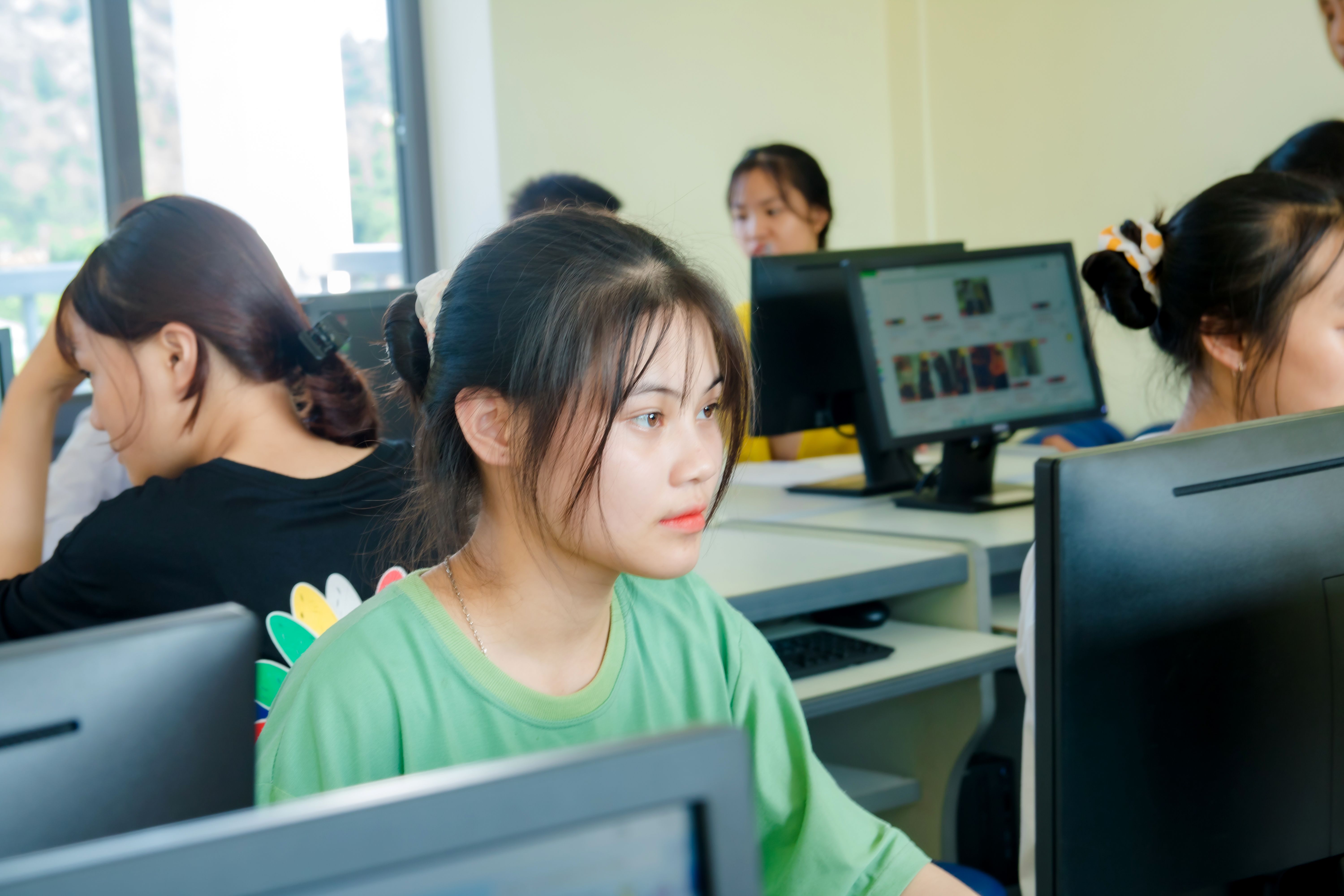
There is another rule I would teach students before they experiment with face swapping: just because you have someone’s photograph doesn’t mean you should put their face into anything you want.
Your friend’s photograph is still their likeness. The same applies to a teacher, tutor, classmate or stranger. A harmless joke from one person’s perspective can be humiliating from another person’s perspective, particularly when altered content is posted publicly.
So before swapping someone else’s face into a video, ask them. That ten-second conversation can prevent a much bigger problem.
This fits into the broader digital habits we discuss at SmileTutor when looking at AI tools for students and how technology should support learning rather than replace judgement.
How I Would Compare These Five Tools
Rather than declaring one universal ‘best’ tool, I would look at what each one is designed to do. Pollo AI makes sense for someone who wants face swapping inside a wider AI creation toolkit. Remaker AI offers a relatively straightforward workflow for quick experiments. Reface is more naturally suited to casual and entertainment-focused experimentation. HeyGen becomes more interesting when face swapping is part of a broader avatar or presentation workflow. AKOOL is geared toward users who want face swapping alongside a larger collection of visual-content tools.
The right choice depends on what you are creating. Because AI platforms change quickly, always check current pricing, upload limits, privacy terms and feature restrictions before committing to one.
What Parents Should Know About Face-Swap Apps
Parents don’t necessarily need to ban every AI tool that can manipulate an image. Understanding the technology is much more useful. Sit down with your child and try one together. Ask them whether they can tell what has changed. Then discuss what clues might reveal that a piece of media has been manipulated.
We’ve written before about raising digitally responsible children, and AI-generated media makes that skill even more important. Children growing up today are entering a world where the authenticity of photographs and videos sometimes needs to be questioned.

Tutors Can Teach This Skill Too
Tutors also have an interesting role here. You don’t need to turn an English or Mathematics lesson into a computer-science class. But when AI-generated content comes up naturally, encourage students to ask basic questions about sources and authenticity.
Those questions complement the study and critical-thinking habits students already need when researching assignments online. Knowing how to use technology is valuable. Knowing when not to trust it may prove even more valuable.
Final Thoughts
AI video face swapping is impressive precisely because it is becoming so easy. Pollo AI, Remaker AI, Reface, HeyGen and AKOOL show how quickly sophisticated video manipulation has moved from specialist editing software into tools ordinary users can access online.
For students and creators, that opens some wonderfully creative doors. You can experiment with storytelling, video production, presentations and entirely new forms of digital media without needing years of editing experience.
But every shiny new creative tool comes with a responsibility attached. Use your own face or get permission before using somebody else’s. Be transparent when AI-generated content could mislead people. Don’t use the technology to embarrass or impersonate someone. And when you encounter an astonishing video online, verify before you believe or share it.
Learning how to create with AI is going to matter. Learning how to think around AI will matter even more.

 Facebook